Does it find everything that should be redacted?
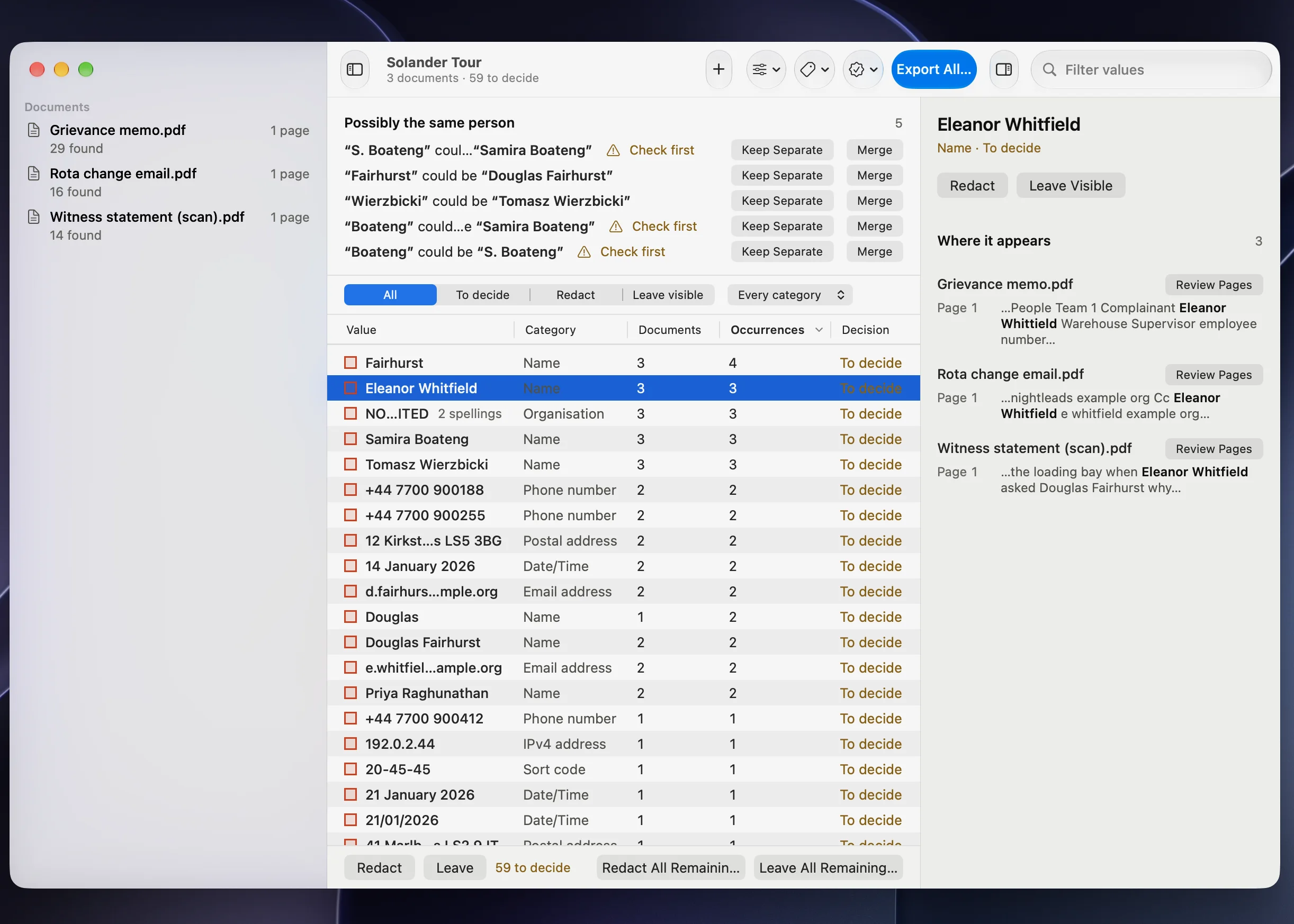
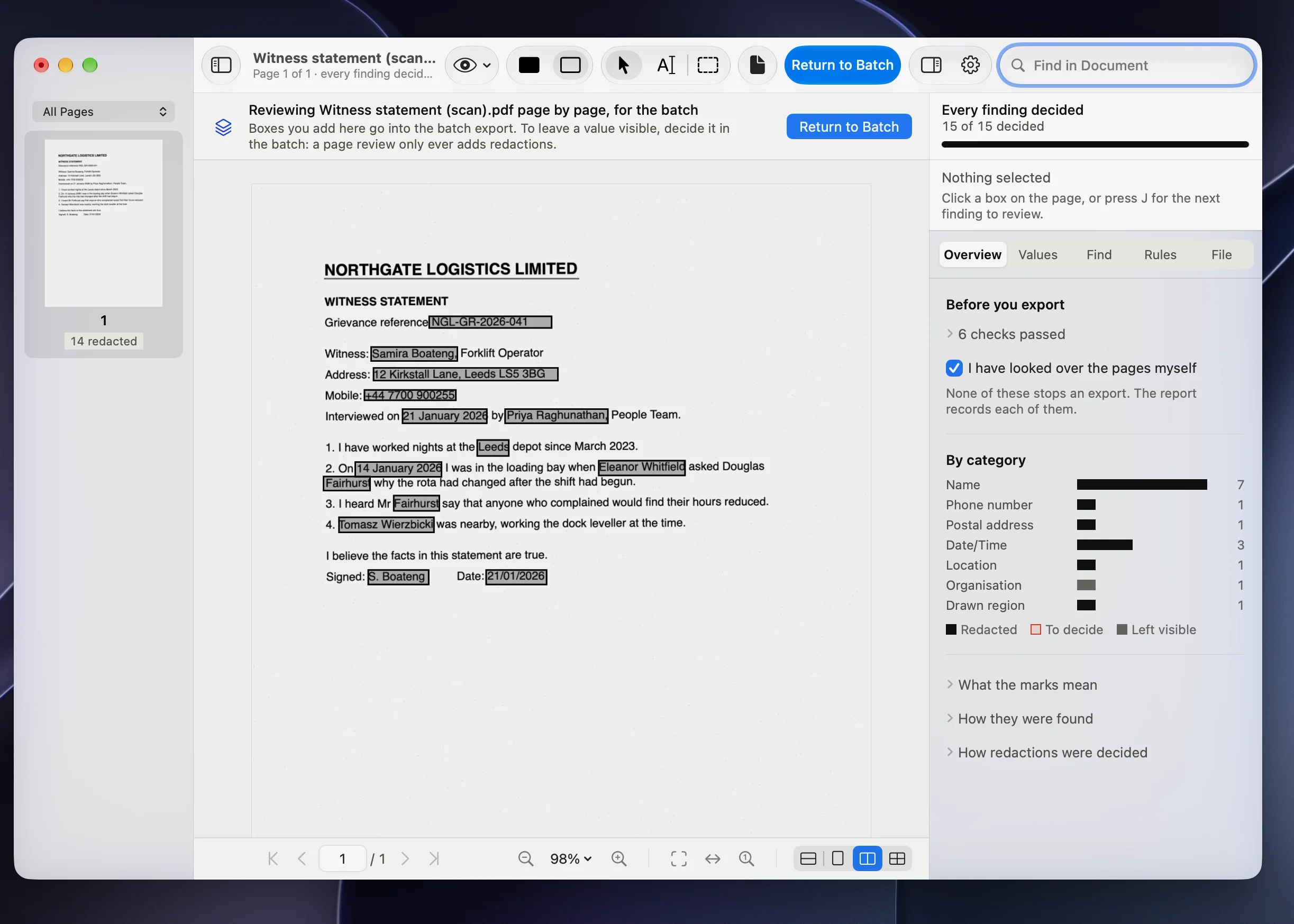
No. Solander finds common personal details such as names, email addresses, phone numbers and ID numbers, but it misses some, especially names, addresses and text in non-Latin scripts. You review every page and can add redactions yourself. The check after export confirms that what you redacted can no longer be read; whether anything else should have been redacted is your decision. Text replaced with placeholders is still personal data under the GDPR.
Does it work in Dutch and French?
Yes. The detection is trained for Dutch, French and English, including titles, particles and short forms, and files that switch language on the same page. The app itself is in all three languages, and so are the grounds and legends. The report is in English.
Does anything go online?
Two small helper processes connect to the internet: one checks for updates, and one confirms your licence about once a week. Neither receives your documents or anything found in them. The privacy notice lists exactly what they send.
Can I use it without an internet connection?
Yes. Everything Solander does with your documents happens offline. If the licence check can’t connect, the paid features keep working for 30 days. A Mac that is never online can be activated with a code instead, which you enter on a web page from your phone or another computer.
Is the redacted PDF searchable?
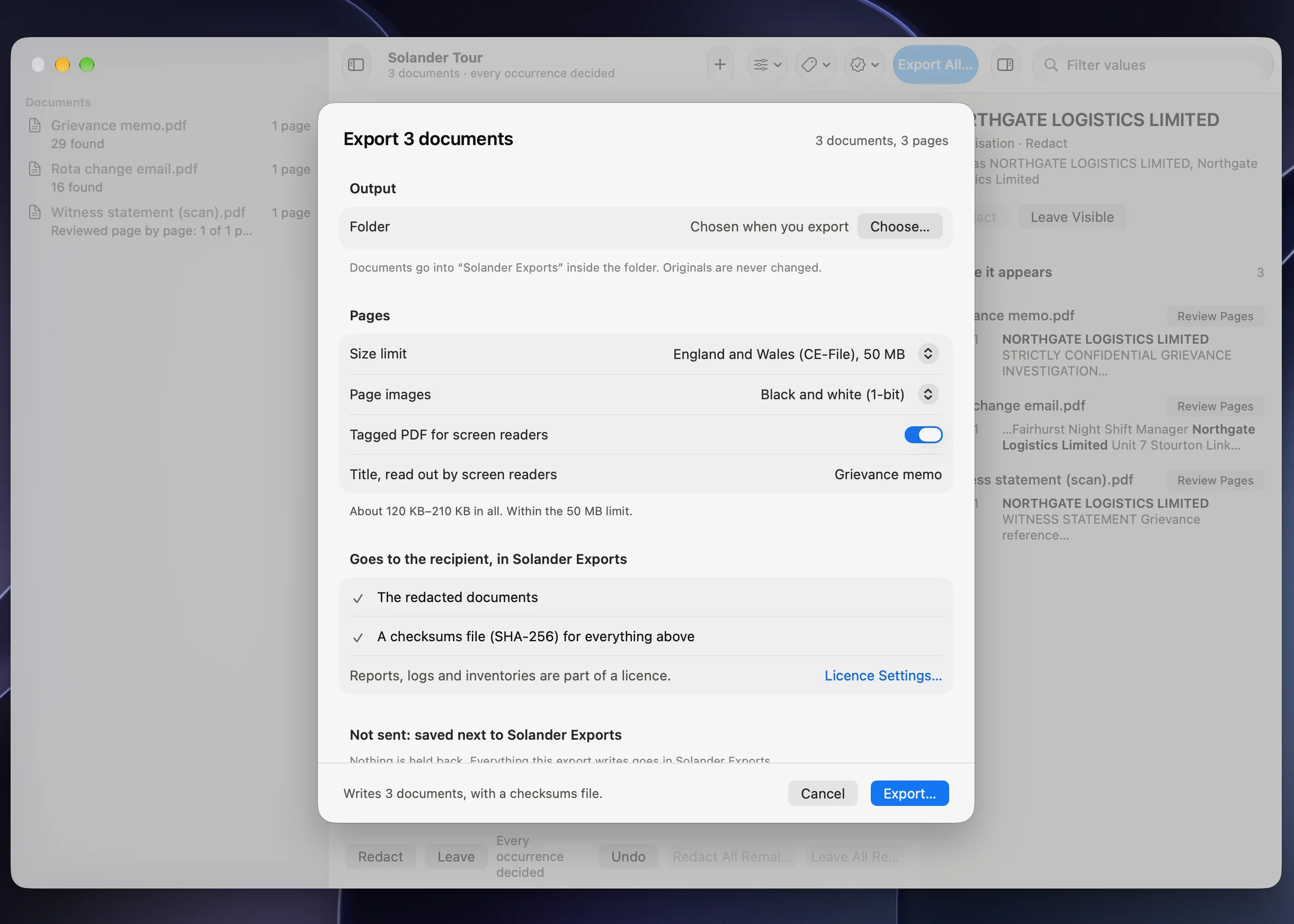
By default, no. Solander saves each redacted page as an image, so its text can’t be selected or searched. With a licence you can turn on searchable output: Solander reads the redacted pages again and adds a hidden text layer, which is checked along with the pages. The litigation preset turns it on. The text layer supports Western European characters only.
Which edition do I need?
Solander Demo if you work on one PDF, scan or image at a time. Solander Professional when there are many of those, or Word, Excel and LibreOffice files, or AI work: batches, names kept consistent across documents, rules and saved profiles, searchable PDFs, Office files cleaned, and placeholders for AI and back. Solander Compliance for formal disclosure: signed reports and the evidence for each job, reason codes, the redaction log, Bates numbers and the Woo inventory, the command-line tool and watch folders. If you own Solander Professional, Compliance costs the difference and your licence keeps working; you need the licence ID from your licence email and the address it was sent to.
Is there a subscription? Can I get a refund?
No subscription: you pay once, and the licence includes every Solander 1 update. Refunds within 14 days, with no reason needed. The licence is then deactivated; Solander Demo keeps working, and the files you have already produced are untouched. See Refunds.
Which Macs does it run on?
macOS 14 Sonoma or later, on a Mac with Apple silicon; Intel Macs are not supported. It opens PDFs, scans and common image formats, and .docx, .xlsx, .odt and .ods files. Older .doc and .xls, password-protected files, PowerPoint, Pages, Numbers and Keynote are not supported.